

One connected flow for every item: from supplier to shelf to customer
Retail management doesn't stop at the point-of-sale screen. The same item moves through purchasing, receiving, distribution, transfers, sales, returns, and inventory counts, and its cost and accounting impact move with it.
Add more branches, an online store, or other sales channels, and things start to slip: an item shows as available while the shelf sits empty, stock piles up in one branch while another runs out, or register sales don't match the cash handed in.
That's why the system starts from the item's full journey, not from the point of sale alone.
It starts with product data
Any error in product data flows downstream: into purchasing, inventory, pricing, sales, and the books.
So every item gets one unified product record covering:
Every branch, warehouse, and sales channel uses the same product record, instead of each branch inventing its own definition or price for the same item.
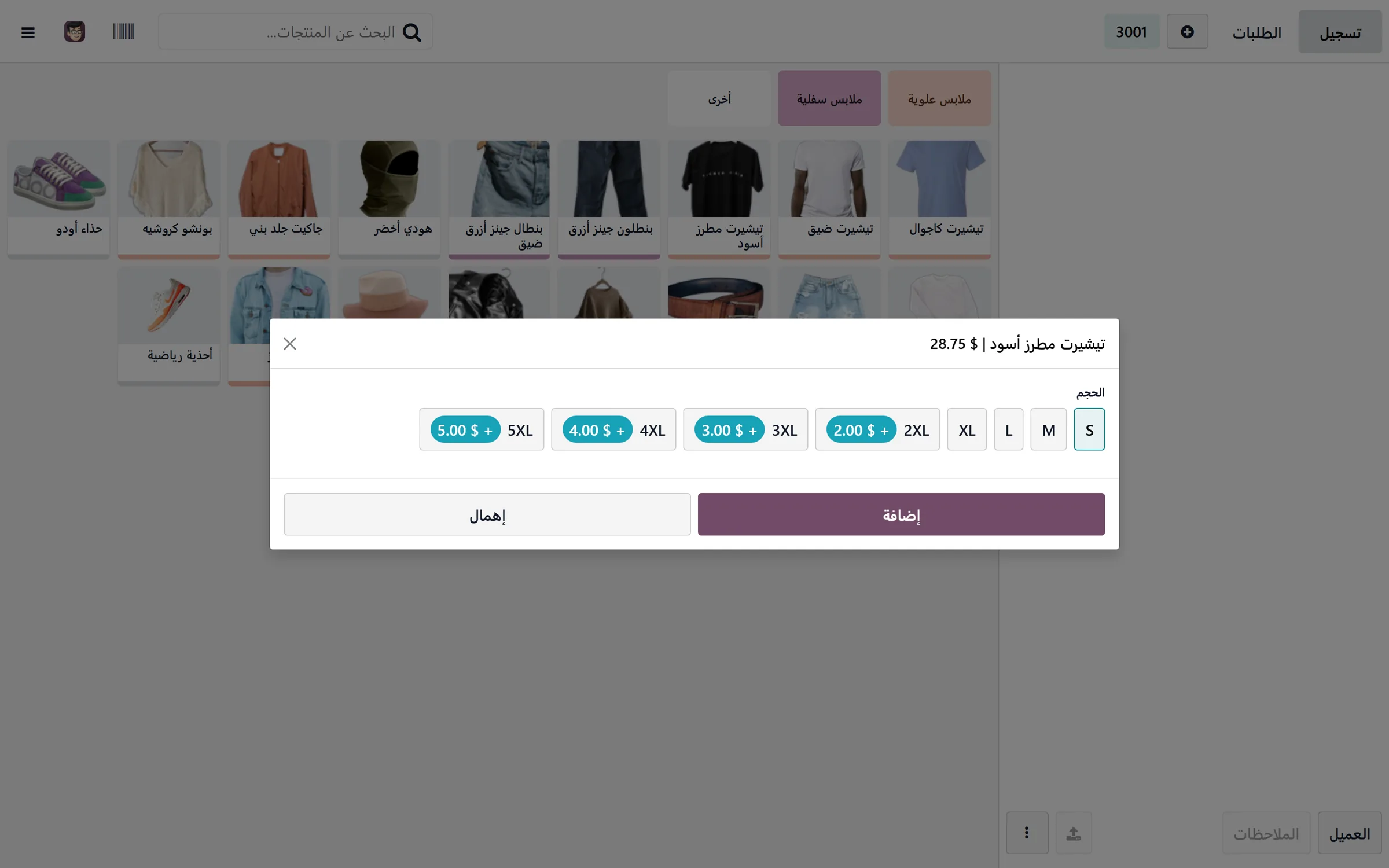
From need to purchase order
Purchasing doesn't start when someone notices an empty shelf.
The system sets a minimum and maximum level for each item, per branch or warehouse, and watches current sales, confirmed orders, available stock, and goods in transit.
When a shortage appears, the system first looks for surplus inside the company's own branches. If an internal transfer covers the need, there's no reason to buy more from outside.
If the available quantities aren't enough, a purchase suggestion appears with the required quantities, the right supplier, their price, and the expected lead time.
The purchase order goes through approval based on its value or the type of items, then goes out to the supplier, with the delivery date and outstanding quantities visible until receiving is complete.
Local purchasing and imports
The purchasing cycle can differ by source, but the outcome is the same: an accurate cost and a clear supplier balance.
For local purchases, you track quantity, price, discount, tax, and the delivery date.
For imports, freight, insurance, customs, and other charges are added to the cost of the goods and allocated by the approved rule, instead of being booked as a separate expense that never shows up in the item's margin.
Receiving is more than adding a quantity
When goods arrive, received quantities are matched against the purchase order, and any shortage, excess, or damage is recorded before anything enters available stock.
Receiving is done by barcode, capturing lots, expiry dates, or serial numbers where needed.
Goods can then move to different locations depending on their state:
An item isn't sellable just because it reached the branch: only once receiving is complete and its condition is verified.
After that, the supplier's invoice is matched against the purchase order and what was actually received, and the balance due and its payment date appear in the supplier's account.
Distributing goods across branches
Goods can land in a central warehouse and get distributed to the branches, or be received directly at the branch, whichever way the company works.
Distribution follows each branch's need, sales velocity, and current stock, not an even split of quantities.
A fast seller in one branch can be a slow mover in another, and repeating the same split ends with stockouts in one place and dead stock in another.
The system shows:
With that in view, goods can be redistributed before a new purchase order is raised.
Inter-branch transfers
An item isn't deducted from one branch and added to another in a single step. The goods spend real time between the two.
A transfer moves through four clear stages:
Transfer request → approval → picking & shipping → receipt
The branch that's short raises the request: items, quantities, and the reason. A manager reviews the source branch and its available quantity, then approves the transfer.
On dispatch, the goods leave the source branch into an in-transit location. They don't yet appear in the receiving branch's stock.
On arrival, the branch receives them with a physical scan; they enter its balance and the transfer closes.
The transfer carries with it:
Transfer exceptions
Part of the quantity might arrive, an item might arrive damaged, the branch might refuse the delivery, or the shipment might get rerouted.
These cases aren't closed by quietly editing a quantity. Each is recorded as an exception tied to the original transfer, so the discrepancy, its cause, and who's accountable stay visible.
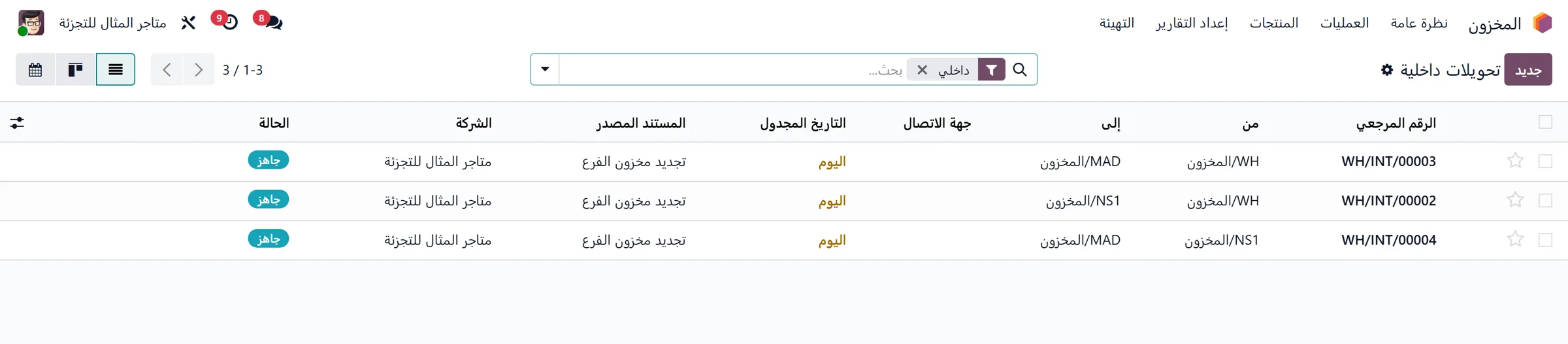
Selling in the branch
Every branch runs a POS connected to inventory and accounting in the same system.
The cashier scans the barcode; the item's details, price, allowed promotions, and available quantity appear.
The system handles:
But the cashier can't change a price or grant a discount beyond their limit. Anything past the set permission goes to the branch manager for approval.
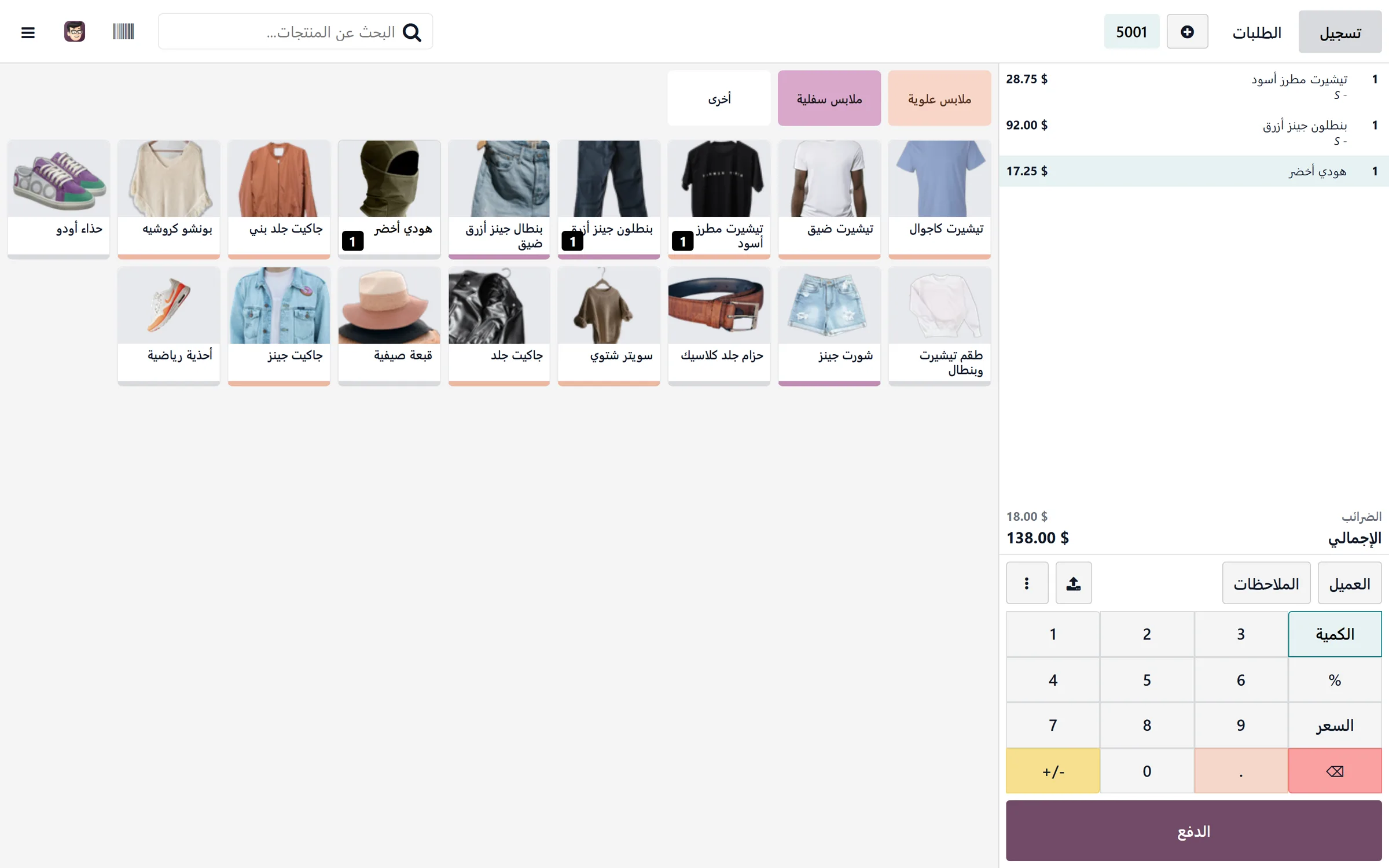
Shift close
Every shift opens with a cash float and ends by comparing what the system recorded against what's actually in the drawer, plus what came in by card and every other payment method.
At close, you see:
Every variance needs a reason and an approval. It's never closed as one lump figure with no record of the shift, the cashier, or the payment method it appeared in.
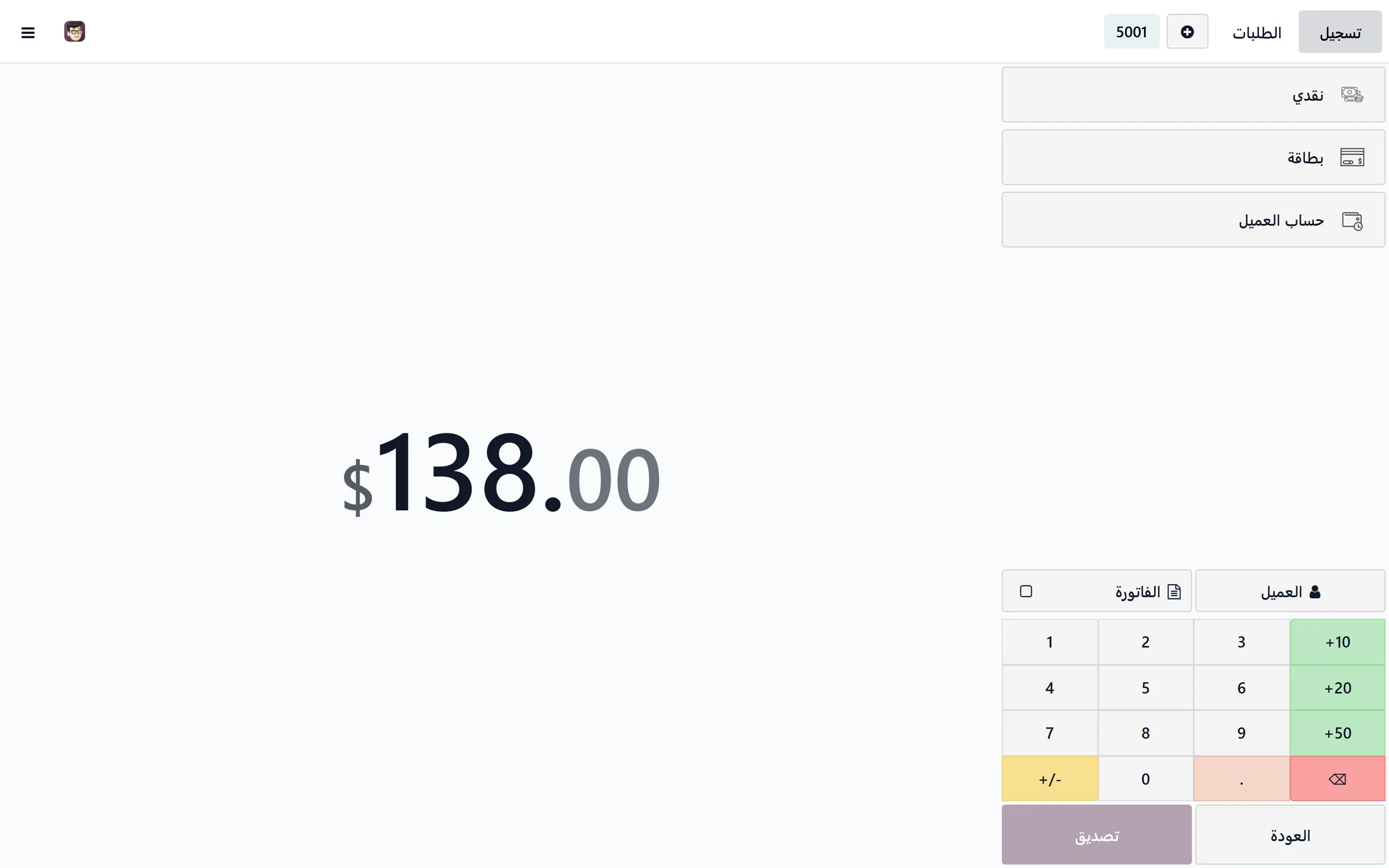
Every sales channel on one stock pool
A company might sell from its branches, an online store, marketplaces, and wholesale, all at the same time.
That doesn't mean each channel runs in isolation, or that every channel sees all the stock with no controls.
The product catalog stays unified, while each channel can get its own allocated quantity, warehouse, or pricelist.
The online store
Orders land in the system with their source, customer details, payment method, and delivery method.
The system decides where each order is fulfilled (based on stock availability, customer location, and company rules), then tracks picking, packing, shipping, and delivery.
Marketplaces
Marketplace orders map to the same products, while each order keeps its source, its commission, and each marketplace's settlement terms.
The marketplace statement is reconciled against orders, returns, commissions, and the amounts actually transferred.
Wholesale
Wholesale customers run on their own pricelists, credit limits, and payment terms, separate from branch customers.
Their orders ship from the most suitable warehouse, and each customer's balance and collections stay visible without mixing into cash retail sales.
Fulfillment and shipping
Online and wholesale orders typically move through:
Confirmed order → picking → packing → ready to ship → with the carrier → delivered or returned
Several orders can be picked in one batch, then every item and every shipping label is scanned during packing to confirm the shipment matches the order.
With a carrier integration, shipment statuses flow back into the system automatically: what was delivered, what failed, and what came back to the warehouse.
And with cash on delivery, an order isn't treated as collected the moment it ships, only after delivery is confirmed and the carrier's statement is reconciled against the amounts they actually transferred.
Returns are the highest-risk zone
Returns, exchanges, and refunds move inventory and cash at the same time. A negative receipt isn't enough.
The process starts from the original order or invoice, then records:
After inspection, the item goes to the right place: available stock, damaged, repair, or refurbishment.
The refund goes back to the original payment method per company policy, not cash paid out of the branch drawer with no clear link to the sale.
And if the return came from a picking error, a shipping error, or a product defect, the reason stays on record, so it can be measured and fixed at the source, not just booked as a financial entry.
Inventory counts prove the ledger matches the shelf
An inventory count isn't an annual exercise in fixing numbers. It's a continuous cycle that verifies stock accuracy.
Cycle counts can run on a category, a location, or a group of items without closing the branch, alongside a full count when needed.
The physical count is compared to the expected balance, and every variance needs:
That's how you learn whether a variance came from a receiving error, an unclosed transfer, an unrecorded sale, a return put away in the wrong location, or genuine loss.
Lots, expiry dates, and serial numbers
Not all retail is the same.
For food, cosmetics, and anything with a shelf life, the system knows the lot and expiry date and applies FEFO: whatever expires first ships first.
For electronics and high-value goods, every serial number links to its purchase, branch, customer, warranty, and any return or repair.
So a unit can be traced from supplier to customer, or, when a problem surfaces in a lot, every customer who received it can be identified.
When the business includes prep or light manufacturing
Some retail businesses don't just buy finished products. There may be roasting, blending, packing, assembly, or subcontracted production.
In that case the system connects:
This cycle isn't switched on for every company by default. It's used when it's genuinely part of how the business runs.
The accounting behind the operations
Every completed transaction creates its accounting entry at the source. Nothing gets re-keyed into a separate program.
A purchase creates the supplier liability. Receiving updates inventory value. A sale records revenue and cost. A return reverses its impact. Shift close defines what should be in the till. And a transfer moves the value of goods between branches without counting as a sale.
Profitability can be tracked at more than one level:
Tills, banks, card processors, carriers, suppliers, and customers each live in separate accounts that can be reconciled against actual movements.
So the profit report isn't just sales minus purchases. It's a result that includes cost of goods sold, returns, discounts, commissions, delivery costs, and each branch or channel's expenses.
Who owns each decision?
One person may hold several roles depending on company size, but every decision must have a clear owner.
| Role | Decisions they own |
|---|---|
| Merchandising & commercial | Product definitions, pricing, promotions, discount limits, and which channels carry which products. |
| Purchasing | Suppliers, requests for quotation, purchase orders, and delivery schedules. |
| Inventory management | Receiving, storage locations, transfers, replenishment, and approving adjustments. |
| Branch manager | Running the branch; approving discounts, refunds, and variances within their limits. |
| Cashier | Selling, collecting payment, and handling returns within set permissions, and closing the shift. |
| E-commerce | Online orders, stock allocation, fulfillment, and carrier and marketplace integrations. |
| Customer service | Complaints, exchanges, and returns, tracking their causes and turnaround times. |
| Inventory control | Count plans, variance analysis, shrinkage, and stock accuracy. |
| Finance | Supplier and customer accounts, tills and banks, reconciliations, valuation, and profitability. |
- Decisions they own
- Product definitions, pricing, promotions, discount limits, and which channels carry which products.
- Decisions they own
- Suppliers, requests for quotation, purchase orders, and delivery schedules.
- Decisions they own
- Receiving, storage locations, transfers, replenishment, and approving adjustments.
- Decisions they own
- Running the branch; approving discounts, refunds, and variances within their limits.
- Decisions they own
- Selling, collecting payment, and handling returns within set permissions, and closing the shift.
- Decisions they own
- Online orders, stock allocation, fulfillment, and carrier and marketplace integrations.
- Decisions they own
- Complaints, exchanges, and returns, tracking their causes and turnaround times.
- Decisions they own
- Count plans, variance analysis, shrinkage, and stock accuracy.
- Decisions they own
- Supplier and customer accounts, tills and banks, reconciliations, valuation, and profitability.
Some processes cross more than one department, but no purchase, adjustment, discount, or return decision may sit without a named owner.
Governance across every branch
All branches run on one database, but that doesn't mean every user sees or changes everything.
Access rights define what each role can reach, and an approvals matrix sets clear limits for discounts, purchases, transfers, returns, and inventory adjustments.
The system keeps a log of who created each transaction, who approved it, who changed it, when, and why.
The management dashboard brings together indicators like:
What does Odoo actually run?
Odoo brings into one system: